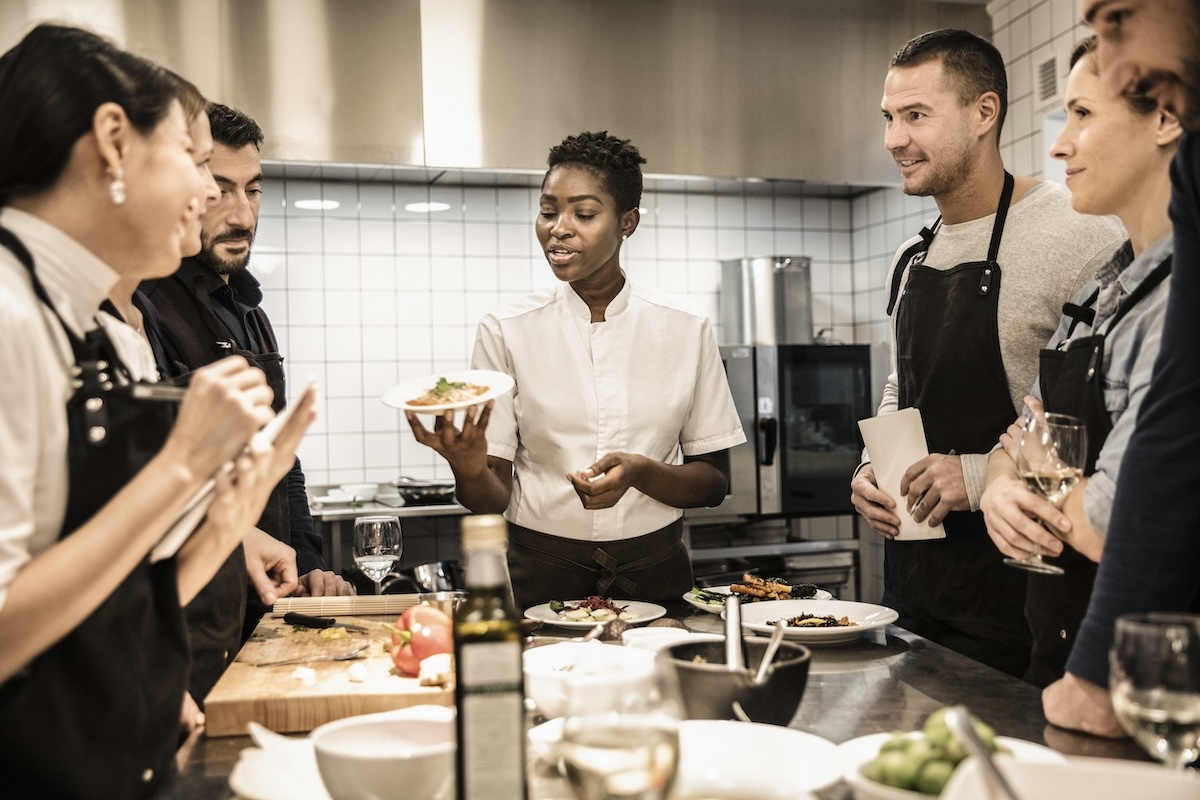
If your restaurant dining room is closed, moving your point-of-sale to a place that enables you to take guest orders while maintaining social distance and staff efficiency is critical. We’re here to help you pivot to curbside operations as quickly as possible—using the system you already have.
For table service operators
Move your point-of-sale system to an area that lets you to keep a distance between your staff and your guests; the new POS location should also limit the accommodating area to 10 people or fewer. We recommend putting the POS either near your entry or at a central point outside—accounting for available connectivity, your restaurant layout, the surrounding area and your expected guest flow. Regardless of where you put your POS, be thoughtful about your restaurant layout when planning your curbside operations.
For quick service operators
As drive-thru demand increases, moving a POS terminal from your counter to a strategic location outside can create additional capacity. If your drive-thru has a single lane, we recommend setting your POS terminal near the lane entry, away from your menu boards. With this setup, you can create a second ordering queue, which allows your guests to park in designated areas for order delivery. As your employees carry orders to guests, make sure they follow appropriate social distancing recommendations.
Moving your point-of-sale system
Before you move it, first make sure you have cabling to reach the POS at its new location. For greater security and stability, we recommend connecting to the internet using ethernet cables connected to your router. Wi-Fi is not recommended due to potential signal loss and reduced data security.
If you can’t connect this way due to ethernet cabling limitations, you can run your POS in standalone (offline) mode while you conduct transactions outside, and later re-connect inside to run your regular end of day settlement.
NOTE: Contact your NCR rep before putting your POS into standalone mode as there may be additional considerations.
And don’t forget online ordering
Online ordering gives you another way to take orders and payments while reducing demand at the actual POS. If you already use online ordering, be thoughtful as to how you can promote this channel to your customers.
We’re here to help
We know transitioning to a new mode of operating feels daunting. But we’re here to help you quickly make the best use of the resources you already have when pivoting your operations.
If you have questions on how to best use your current system in this new paradigm, give us a call at 1-800-CALL-NCR inside the U.S. or 1-937-445-1936 outside the U.S. We’re here to help.
Share this post
Related blog articles
Even more expert insights into important retail and restaurant trends.
How retailers should split workloads between cloud and edge for real-time store operations
How to reduce shrink at self-checkout with visual AI

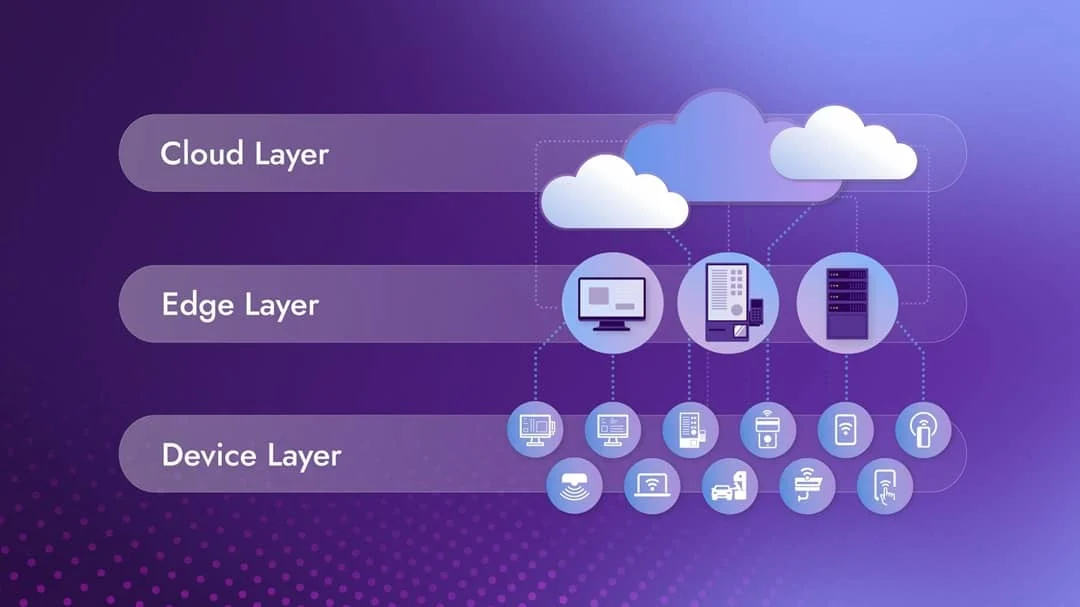
Restaurant & Retail Tech: Why Cloud‑to‑Edge Architecture Is Becoming the New Standard