Cleaning DO's

DO use a microfiber cleaning cloth or cloth towel

DO spray the cleaner onto a cleaning cloth or cloth towel and then wipe the surface to be cleaned

DO clean with a cloth or towel that is damp but not soaked or dripping wet

DO consult trained service personnel for cleaning of the interior of electronic equipment
Cleaning DON'Ts
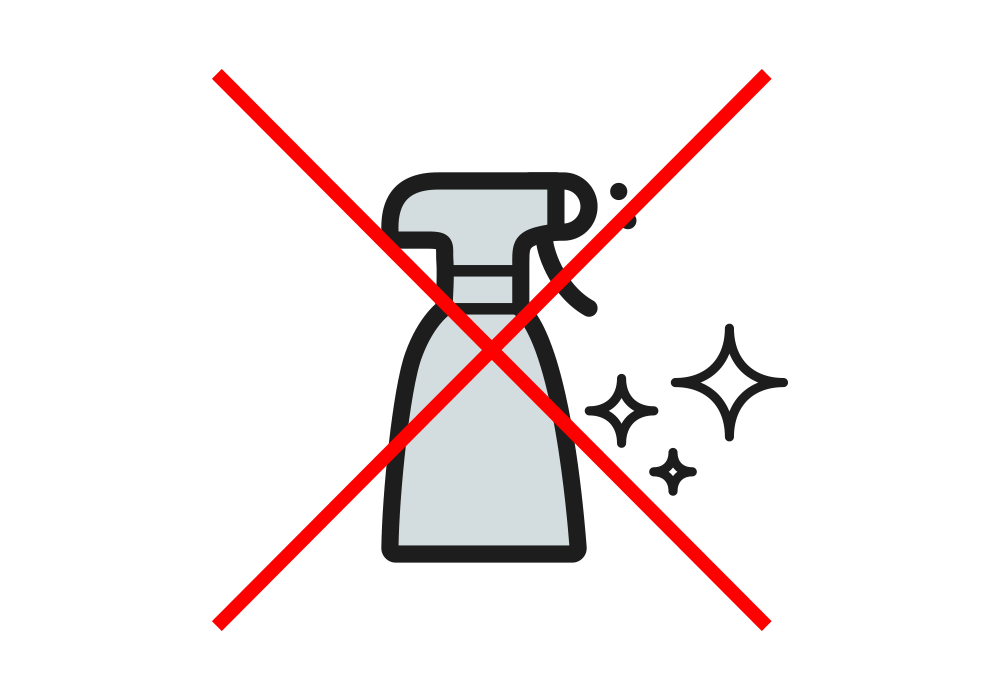
DO NOT spray cleaners directly onto equipment
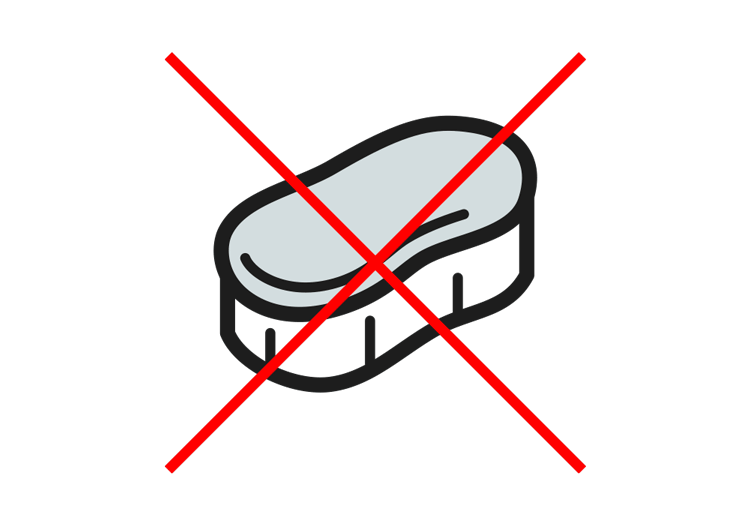
DO NOT use abrasive cleaners (powders) or abrasive cleaning materials (scrub brush, scouring pad, etc.)

DO NOT soak the electronic equipment with cleaning liquid
POS and self-checkout hardware cleaning guide
Touchscreens
Touchscreens can be effectively cleaned with diluted detergent or up to 70% isopropyl alcohol solution. Make sure you follow the cleaning procedure below to avoid damage to the touchscreen:
1. Clean the screen using a non-abrasive cloth and a diluted detergent solution, such as household soap and water. Do not apply any cleaning products directly to the screen and do not soak the cloth: wring it out before use.
2. Dry the screen with another soft cloth.
3. The screen can then be further cleaned by dampening a cloth with isopropyl alcohol solution, or using pre-packaged wipes, to wipe the screen. Do not apply any cleaning products directly to the screen and do not soak the cloth: wring it out before use.
Plastic & metal surfaces
We recommend cleaning plastic and metal surfaces of the POS or self checkout with soap, water and bleach solution. Note that bleach can damage clothing.
Other devices
NCR recognizes that there are non-NCR third-party hardware devices used with our product, and we recommend following the instructions provided by those vendors.
Disinfectant products
The following US Environmental Protection Agency (EPA) recommended disinfectants, or their equivalent, are safe for use on NCR products:
- Clorox Disinfecting Wipes - Reg. No. 5813-79
- Clorox Healthcare Bleach Germicidal Wipes - Reg. No. 67619-12
- Clorox Commercial Solutions Hydrogen Peroxide Cleaner Disinfectant Wipes - Reg. No. 67619-25
- Lonza Disinfectant Wipes - Reg. No. 6836-313
- Lysol Brand Clean & Fresh Multi Surface Cleaner
(20% cleaner solution to water ratio) - Reg. No. 777-89 - Purell Professional Surface Disinfectant Wipes - Reg. No. 84150-1
- Sani-Cloth Prime Germicidal Disposable Wipes - Reg. No. 9480-12
*Consult the Centers for Disease Control and Prevention (CDC) for disinfecting and cleaning processes. The CDC or the World Health Organization (WHO) are a good source of information. See the CDC’s Environmental Cleaning and Disinfection Recommendations.
Cleaning DO's
DO use a microfiber cleaning cloth or cloth towel
DO spray the cleaner onto a cleaning cloth or cloth towel and then wipe the surface to be cleaned
DO clean with a cloth or towel that is damp but not soaked or dripping wet
DO consult trained service personnel for cleaning of the interior of electronic equipment
Cleaning DON'Ts
DO NOT spray cleaners directly onto equipment
DO NOT use abrasive cleaners (powders) or abrasive cleaning materials (scrub brush, scouring pad, etc.)
DO NOT soak the electronic equipment with cleaning liquid
POS and self-checkout hardware cleaning guide
Touchscreens
Touchscreens can be effectively cleaned with diluted detergent or up to 70% isopropyl alcohol solution. Make sure you follow the cleaning procedure below to avoid damage to the touchscreen:
1. Clean the screen using a non-abrasive cloth and a diluted detergent solution, such as household soap and water. Do not apply any cleaning products directly to the screen and do not soak the cloth: wring it out before use.
2. Dry the screen with another soft cloth.
3. The screen can then be further cleaned by dampening a cloth with isopropyl alcohol solution, or using pre-packaged wipes, to wipe the screen. Do not apply any cleaning products directly to the screen and do not soak the cloth: wring it out before use.
Plastic & metal surfaces
We recommend cleaning plastic and metal surfaces of the POS or self checkout with soap, water and bleach solution. Note that bleach can damage clothing.
Other devices
NCR recognizes that there are non-NCR third-party hardware devices used with our product, and we recommend following the instructions provided by those vendors.
Disinfectant products
The following US Environmental Protection Agency (EPA) recommended disinfectants, or their equivalent, are safe for use on NCR products:
- Clorox Disinfecting Wipes - Reg. No. 5813-79
- Clorox Healthcare Bleach Germicidal Wipes - Reg. No. 67619-12
- Clorox Commercial Solutions Hydrogen Peroxide Cleaner Disinfectant Wipes - Reg. No. 67619-25
- Lonza Disinfectant Wipes - Reg. No. 6836-313
- Lysol Brand Clean & Fresh Multi Surface Cleaner
(20% cleaner solution to water ratio) - Reg. No. 777-89 - Purell Professional Surface Disinfectant Wipes - Reg. No. 84150-1
- Sani-Cloth Prime Germicidal Disposable Wipes - Reg. No. 9480-12
*Consult the Centers for Disease Control and Prevention (CDC) for disinfecting and cleaning processes. The CDC or the World Health Organization (WHO) are a good source of information. See the CDC’s Environmental Cleaning and Disinfection Recommendations.
Keeping your hardware sanitized is critical to consumer health always. Especially now.
70%
Isopropyl Alchohol

Proper, frequent cleaning should not impact the life or performance of the equipment
Leave the system powered on if you are cleaning surfaces that are touched during normal business operations. Surfaces that are not normally touched during regular operations, we recommend that you power down the machine
Share this post
Related blog articles
Even more expert insights into important retail and restaurant trends.

How retailers should split workloads between cloud and edge for real-time store operations
How to reduce shrink at self-checkout with visual AI

Restaurant & Retail Tech: Why Cloud‑to‑Edge Architecture Is Becoming the New Standard